

| Required: | UDK February 2013, 3D Modeling program, Photoshop, iPad2 or newer, Apple Developer License |
| Length: | 4h 02m |
| Difficulty: | Intermediate |
The Expert Classes: UDK Mobile Content Development focuses entirely on how to set up content (levels, models, materials, particles, sounds) correctly for a mobile platform (iOS/Android – iOS is the target platform in the video). This video is intermediate to advanced level, and contains all that I learned from porting over our games The Ball and Unmechanical to Android and iOS. This video contains plenty of tricks and information not found anywhere online, and is the result of months of experimenting and benchmarking our games.
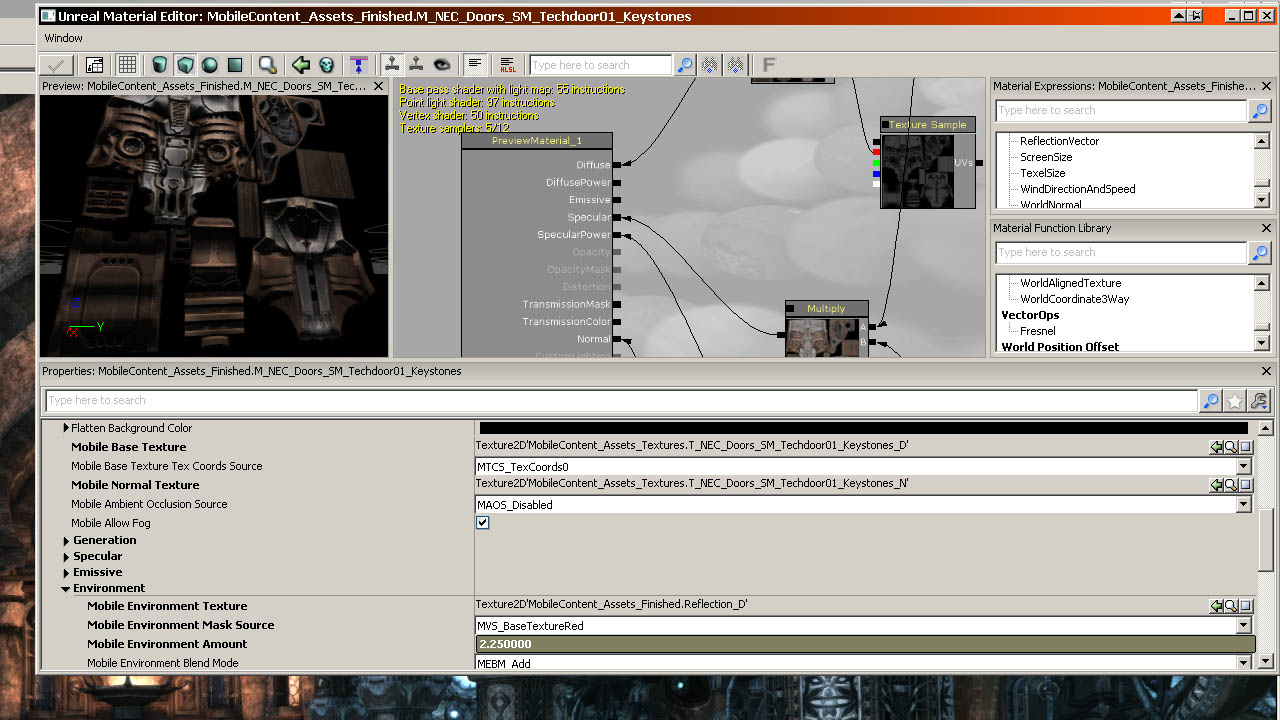
Besides covering the basics such as how to set up a first mobile material, it covers a lot of advanced things as pseudo normal mapped mobile materials that carry a very small performance cost only (Unmechanical relies heavily on this), how to create compression-less gradients, all the properties to set, mobile color correction, mesh optimization, the way the mobile culling system works, the way lighting works, how failing to set up your ini files correctly can lead to greatly reduced quality, and so on.
Throughout the video our best-selling UDK iOS game Unmechanical is brought up as practical example on how the topics raised are applied in real-life scenarios, giving an unprecedented look into the workings of a complex UDK mobile game.
It also covers how we dealt with developing a multi-platform title that would have the same content run well on both PC and iOS at all points during development.
The video comes with two levels. One used as example in the video, one intended as assignment. The video teaches mobile optimization and content creation tricks by converting a level made for PC, to a mobile platform (iOS in this case). The levels as delivered with the video have been created without taking a mobile platform into account, and require significant rework and optimization to get them to run. If one were to put the level as it is on an iPad3 you'd get about 10 FPS and it would look horrible. At the end of the video that same level would run at 30 to 40 FPS and look a lot better as well.
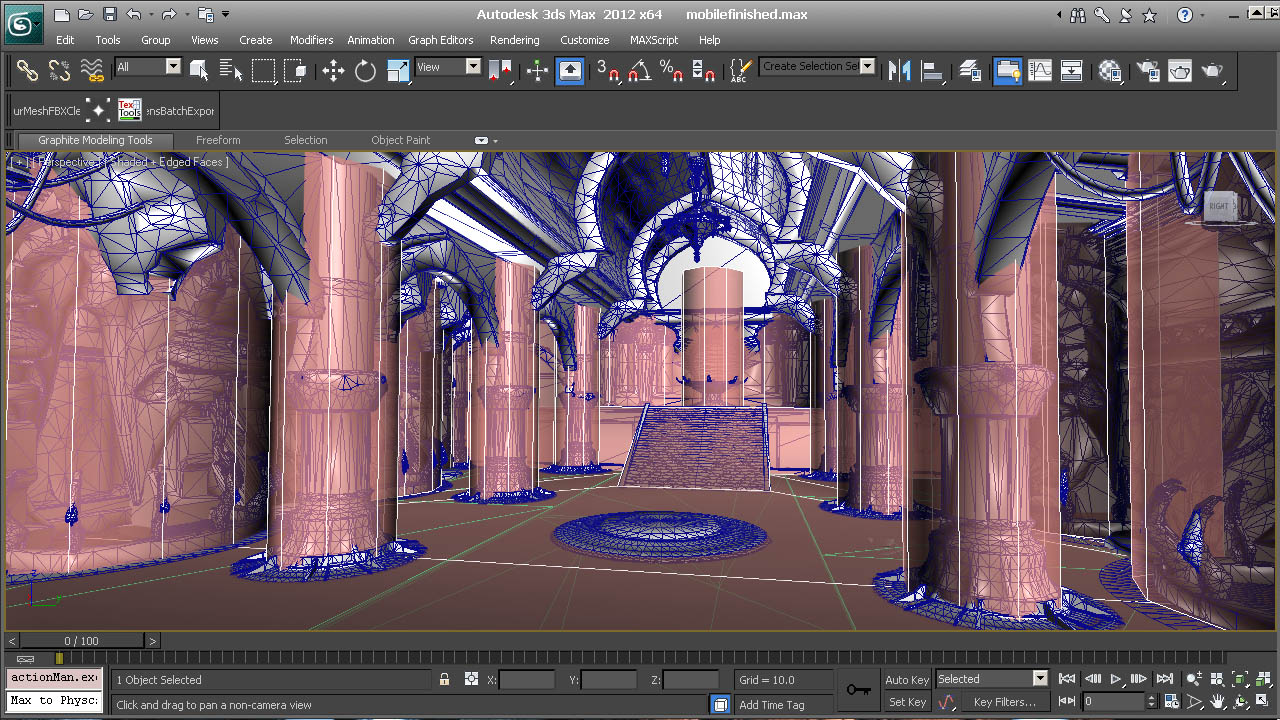
The video requires Photoshop (or similar) and a 3D package. No actual modeling is done in the video, but the 3D program (3DSMax in the video) is required to combine and optimize parts of the existing models/level. Basic 2D and 3D knowledge is required. As the video does not focus on how to use 3DSMax, all concepts and topics raised in this video can also be directly applied onto Maya, Modo, Blender, and so on.


1. Intro – 9.03m
2. The Essence of INI files – 27.30m
2D settings
Lighting settings
Precomputed visibility settings
Performance settings
3. Textures – 7.41m
Square sizes and import quality
Texture Stats
Cooker Statistics
4. Materials – 54.30m
Mobile Material Introduction
Material Flattening
Advanced Materials
Color Multiplying
Emissive
Per Pixel Specular and Normal Mapping
High Performance Pseudo Normal Map Materials
Glass
Rim Lighting
5. Mesh/Brush Performance – 37.40m
Mesh Rendering
Depth Rendering
Converting brushes on Mobile
Merging
Export And Clean Process
Lightmapping
Memory Impact and Optimization
Meshes in Unmechanical
6. Level Workflow and Optimization – 45.48m
In-Game stats
Distance Culling
Occlusion and Pre Computed Visibility
Occlusion and Pre Computed Visibility Examples
Detail flags
Setting Up Efficient Mobile Collision
Multi Platform Development and Per Device Scaling
Level Streaming
Optimization in Unmechanical
7. Particles and Effects – 24.38m
Decals and Volumetric Effects
Render Basics – Overdraw and Drawcalls
Lodding
Bounds
Setting up the particles in the level
Pseudo Bloom using particles
A look at the particles in Unmechanical
8. Lighting – 17.01m
Lighting Compression Settings
Clamped Lighting Values and Greenings
Handling dynamic actor lighting
Setting up the lighting in the level
Unmechanical's Lighting
9. Post Processing and Color Correction – 5.14m
Color Correction
Mobile Bloom and DOF
10. Sound and Music – 8.01m
Setting up Music
Sound quality and use within the environment
11. Recap/Assignment – 5.02m