
| Required: | UDK October 2012 or newer, 3D Modeling program, Photoshop |
| Length: | 4h 32m |
| Difficulty: | Beginner |
The Expert Classes: UDK Asset Development – Part 1 is the first out of a series of two videos, that focuses on texturing and modeling in Unreal Engine 3/UDK. This first video is an introduction into correctly importing textures, making game ready models, and getting into the material editor.
While some parts of the video stick to a basic level, some other parts go into great detail on topics not usually covered. Setting up lightmaps the technically sound way for example, understanding rendering and the way the engine displays your work, the five different ways of handling collision, modular meshes, use of custom vertex normals, and things like altering the color of foliage based on the position in the world or vertex painting meshes.
In other words, it aims to give you a very thorough and detailed introduction into asset development in Unreal Engine 3/UDK.
This video class is aimed at beginners and those on their way to an intermediate level. The video comes with a couple of models and textures, but expects you to do some modeling and texturing on your own as well. The modeling and texturing was intentionally kept to a basic and minimalistic level (low poly), to allow even those with limited experience in a 3D package to follow.
The video uses 3DSMax, but as the video focuses on how to prepare and set models up for Unreal rather than how to use 3DSMax, the concepts and techniques covered in this video is also directly applicable to Maya, Blender, or Modo.

1. Intro – 7.36m
2. Basic Modeling (3DSMax) – 23.27m
Exporting/Importing
Modular Modeling
3. Collision – 40.56m
Five types of Collision
Unreal generated collision
Per poly collision
Invisible mesh collision
3D package collision
Brush collision
When to use which type
4. Lightmapping – 33.11m
Basic setup
Lightmap Grid Snapping
UV Inversion
UV Generation
5. Vertex Normals – 19.52m
Basics
Real life Application: Road modeling
Real life Application: Foliage
6. Mesh Lods – 6.47m
Basics and Lightmaps
Screendoor Fade
7. Vertex Counts – 5.47m
Basics and Impact on Memory
8. Workflow and Technical Understanding – 36.47m
Understanding Rendering
Unreal's way of rendering scenes
Polycount and drawcalls
3D package – Editor back and forth workflow
Package Organization
9. Material Editor Introduction – 7.16m
Importing Textures
Basic Diffuse/Specular/Normal Map Material
10. Material Editor First Application – 29.12m
Basic Color Modifications
Basic Panning/Rotating/Scaling
Setting Up The Scene Materials
The Road
The Landscape
The Rock
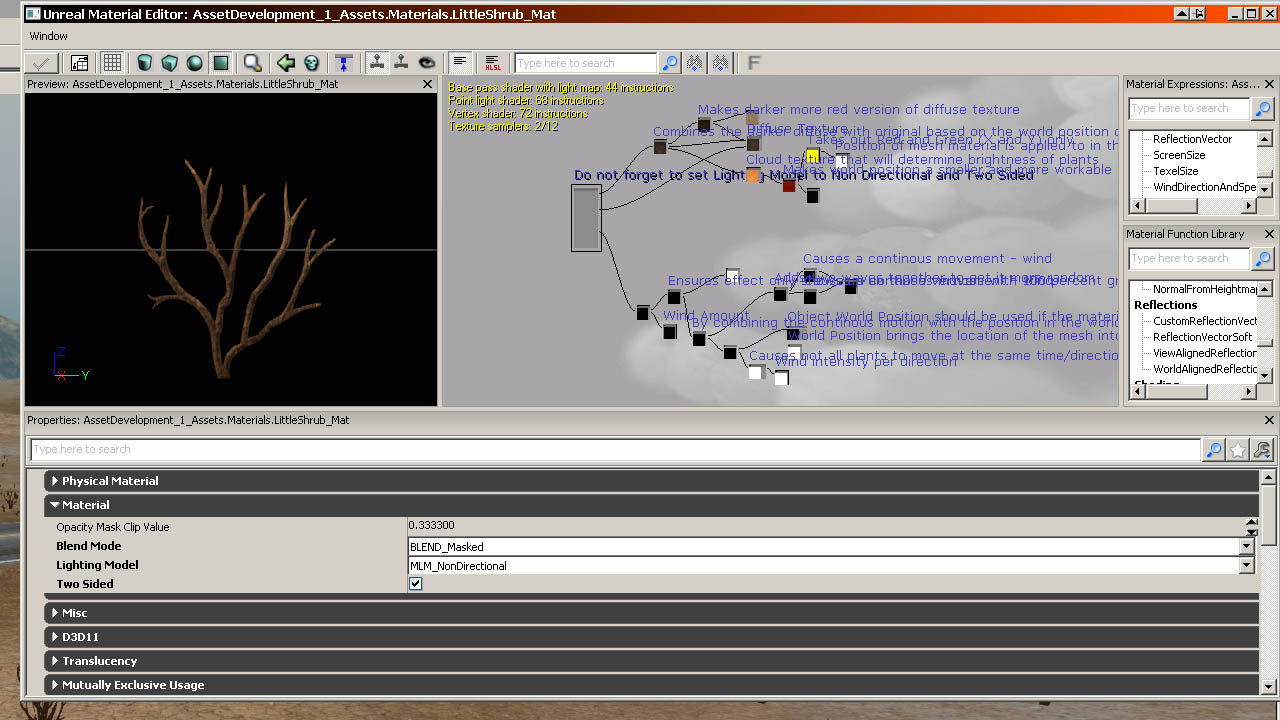
Foliage
11. Material Editor Advanced Use – 61.47m
Detail Normal Mapping
World Position Offset
World Position Texturing
Breaking Up Texture Tiling/Pixel Depth
Vertex Colors – Texture Blending