
| Required: | UE4 4.0 or newer |
| Length: | 3h 58m |
| Difficulty: | Advanced |
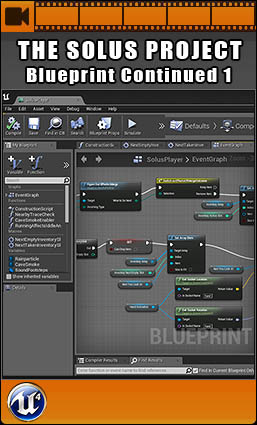
The Solus Project: Blueprint Continued 1 is a complete and highly detailed training video that aims to get you to an advanced level in Blueprint scripting.
The Solus Project – Blueprint Continued 1 continues upon the Blueprint Introduction video. Using the same content and the Blueprint scripts set up in that introduction video, this video steps it up a couple of notches. This advanced video dives deeper into Blueprint and touches on topics such as Macros, Functions, Arrays, and complex networks. In this video you will be rebuilding the Solus item, crafting, and inventory systems.
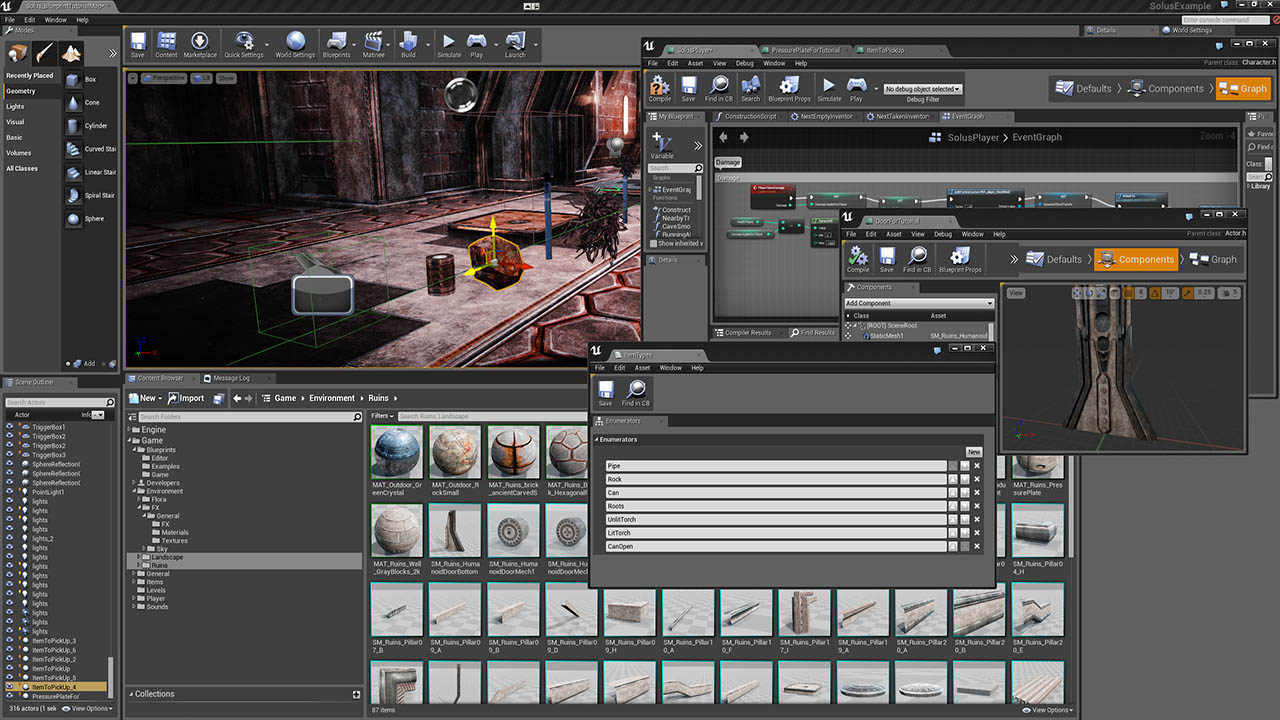
The video starts off with building player damage, death, respawn and checkpoint systems. Including spawning camera effects such as blood and broken glass. Following that the video moves on to items. First by creating an inventory system using Macros and Arrays. Then by using Functions to streamline the process of creating and modifying items. The video furthermore touches upon Enumerations, and sets up a crafting system.
The eventual outcome of this video is having a player who can take damage, die, respawn, enable checkpoints, pick up and switch between multiple items, and who can combine a pipe with branches and fire to create a torch.
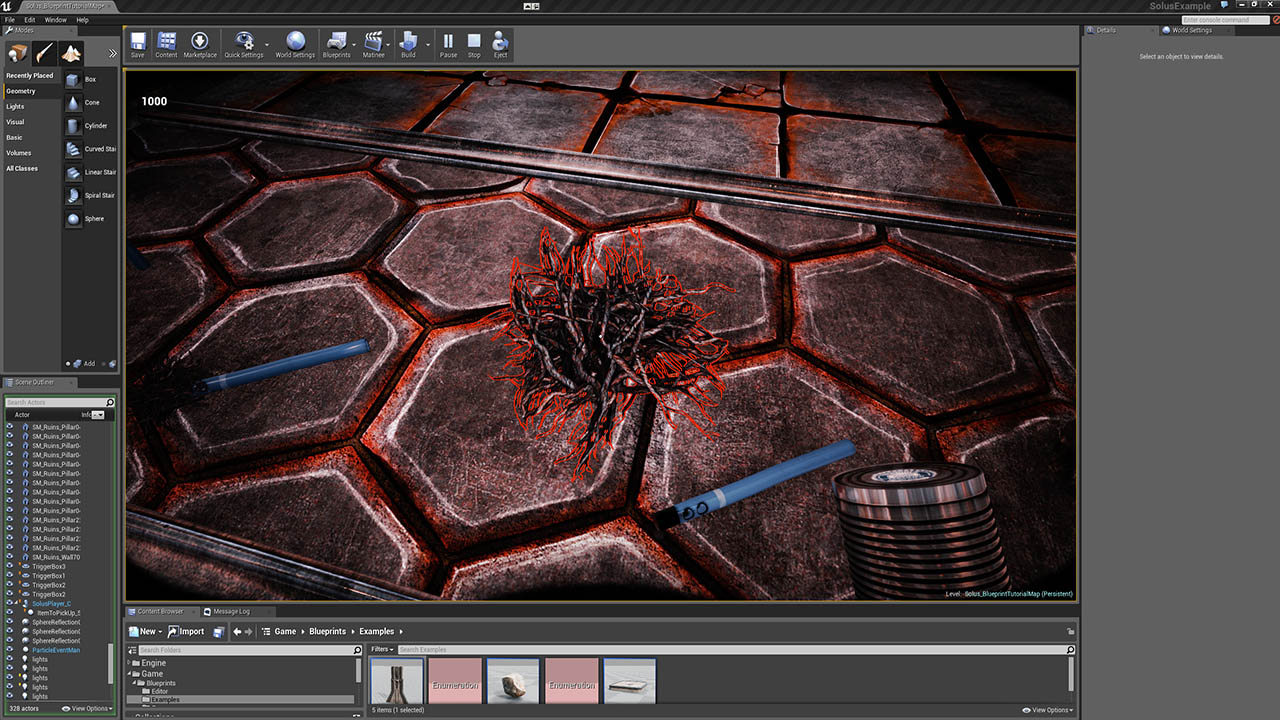
The video comes with some of the actual content from Solus. A few dozen of our building and environment meshes, a number of our textures, materials, and particles. Also included are some of our items and sounds, and of course some of our Blueprint setups. Some of the tiling environment textures are from GameTextures.com, and thereby also give you a free sample of the service they offer.

1. Intro – 2.30m
2. Damage Systems and Camera Effects – 25.54m
Damage system and tracking health
Rendering blood and glass sprites on the camera
3. Death, Respawn, and Checkpoints – 50.39m
Falling Damage and damage triggers
Detecting death and handling respawning
Simple checkpoint system
4. Inventory, Arrays and Macros – 75.55m
Creating an inventory array
Allowing the player to pick up and switch between three items
Using macros to control the inventory array
5. Items and Functions – 84.40m
Classifying items through enumerations
Creating three types of cans of food, a pipe, and roots
Using functions to speed up the work and clean up
Crafting system – displaying visual cues for when items can be combined (apply points)
Crafting system – smashing open a can using a rock
Crafting system – combining a pipe with roots to form a torch
Crafting system – lighting the unlit torch on fire